MS-ISAC at a glance
As a trusted cybersecurity partner for 13,000+ U.S. State, Local, Tribal, and Territorial (SLTT) government organizations, we cultivate a collaborative environment for information sharing in support of our mission. We offer members incident response and remediation support through our team of security experts and develop tactical, strategic, and operational intelligence, and advisories that offer actionable information for improving cyber maturity.
Benefits
- 24x7x365 Security Operations Center (SOC) offering threat intelligence, detection, and response assistance
- Regular webinars examining critical and timely cybersecurity issues
- Access to the Nationwide Cybersecurity Review (NCSR) to review your cybersecurity maturity
- No-cost cybersecurity tools and resources, including a CIS SecureSuite Membership
- Cybersecurity Advisories and Notifications
- Access to Secure Portals for Communication and Document Sharing
- Cyber Alert Map
- Malicious Code Analysis Platform (MCAP)
- Weekly Top Malicious Domains/IP Report
- Monthly Members-only Webcasts
Our Partners














Not a member yet?
Joining is easy, the MS-ISAC Membership is available at no cost and is open to all U.S. SLTT government organizations.
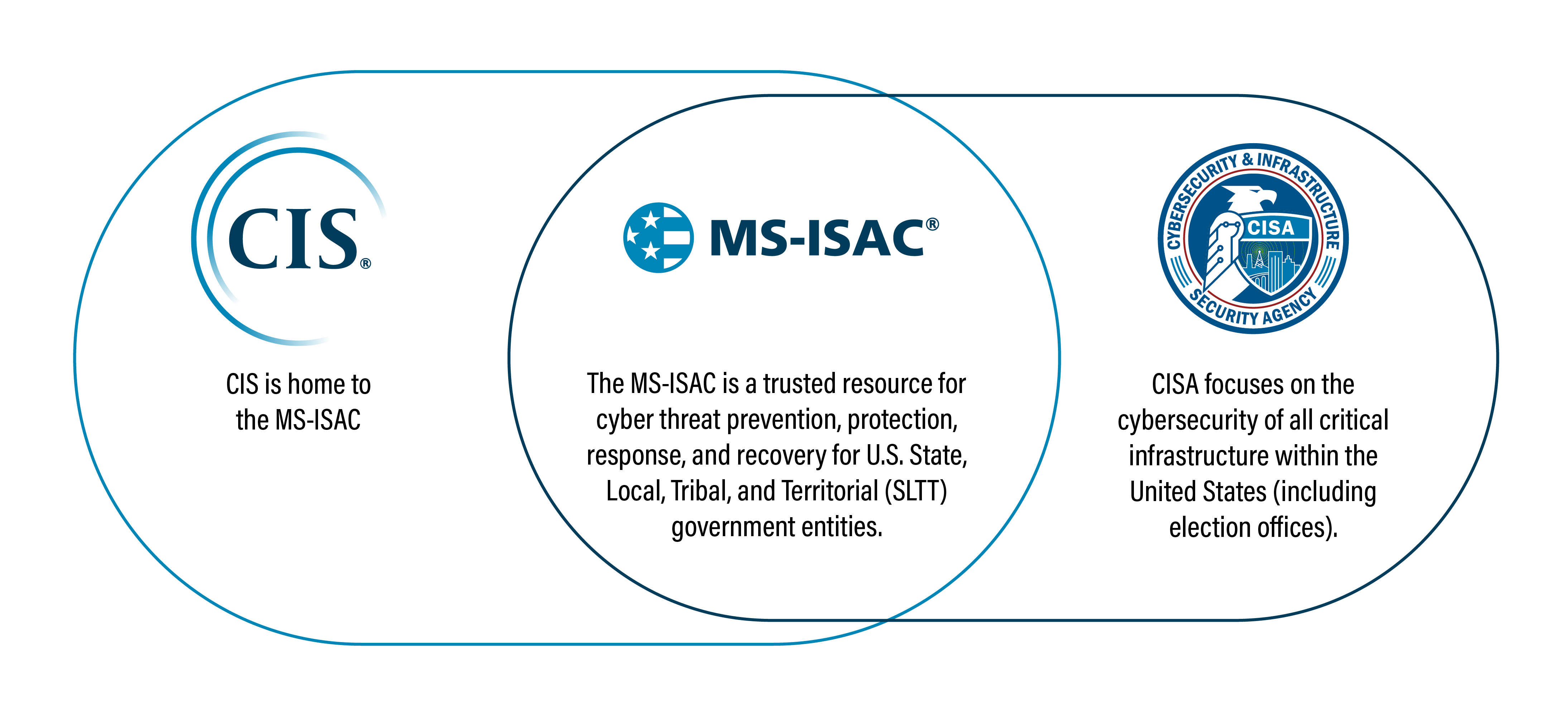
See Membership FAQs How To Report an IncidentCIS is home to the MS-ISAC
As an ISAC member, you'll get access to a community that will help you stay up to date on cyber threats facing your industry.
The MS-ISAC is federally funded by CISA and a division of the Center for Internet Security (CIS). The MS-ISAC is autonomously guided by its Executive Committee and member organizations.
Learn how U.S. State, Local, Tribal, and Territorial (SLTT) entities can report a cybersecurity incident.
Election Related Resources
The Elections Infrastructure Information Sharing and Analysis Center (EI-ISAC) supports the rapidly changing cybersecurity needs of U.S. election offices.
Every U.S. election office that joins EI-ISAC automatically becomes a member of MS-ISAC.
Learn more about EI-ISACElection Security Tools and Resources